Use Cases 9 articles
Explore practical ways to use AI for everyday work, creativity, learning, and productivity.
Worked examples
Fix a Zero-Value Bug With a Small Test
A runnable JavaScript example: preserve a valid zero, inspect a proposed fix, and test the missing-value cases.
Open example →Turn a Product Photo Into a Three-Shot Video Plan
A worked storyboard with a source brief, a corrected draft, and a shot-by-shot acceptance checklist.
Open example →Everyday Tasks
 Writing
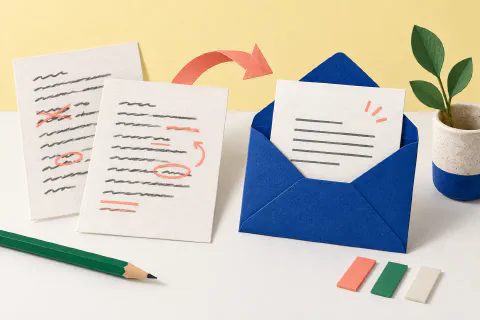
How to Use AI to Write Better Emails
Use AI to draft, shorten, clarify, and adapt everyday work messages.
About 2 min read
 Productivity
How to Summarize Long Documents with AI
Use AI to extract key points, questions, and follow-up actions from dense material.
About 3 min readReviewable AI Workflows
ResearchResearch a Topic and Check Sources
Move from an initial question to checked sources, a claim ledger, and visible uncertainty.
About 3 min read
 Automation
Test an AI Automation Before Relying on It
Test triggers, permissions, failure paths, approvals, and rollback with safe data.
About 3 min read
 Coding
Review AI-Generated Code Before Merging
Inspect the diff, run project checks, and review security, dependencies, secrets, and licenses.
About 3 min read
 Meetings
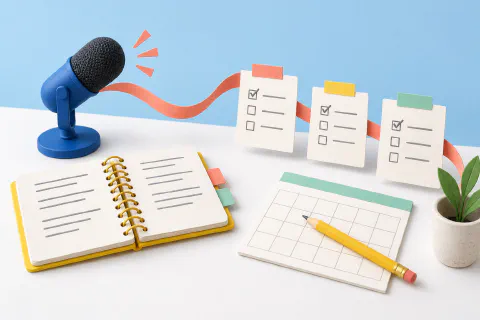
Turn AI Meeting Notes into Reviewed Action Items
Confirm decisions, owners, dates, consent, access, and retention before sharing follow-up.
About 3 min read
 Creative
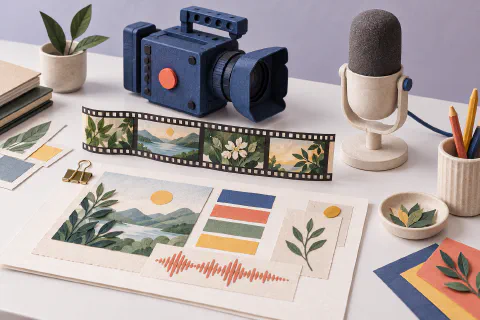
Build an AI-Assisted Creative Brief
Define facts, source rights, brand rules, media stages, and approval gates before generation.
About 3 min readContinue From The Workflow
- Explore practical guides
- Choose a task-first Decision Path
- Browse all reviewed AI tools
- Review your saved shortlist
AI output can be incomplete or incorrect. Features, plans, policies, limits, and availability can change, so review important results and confirm current product details at the official source.